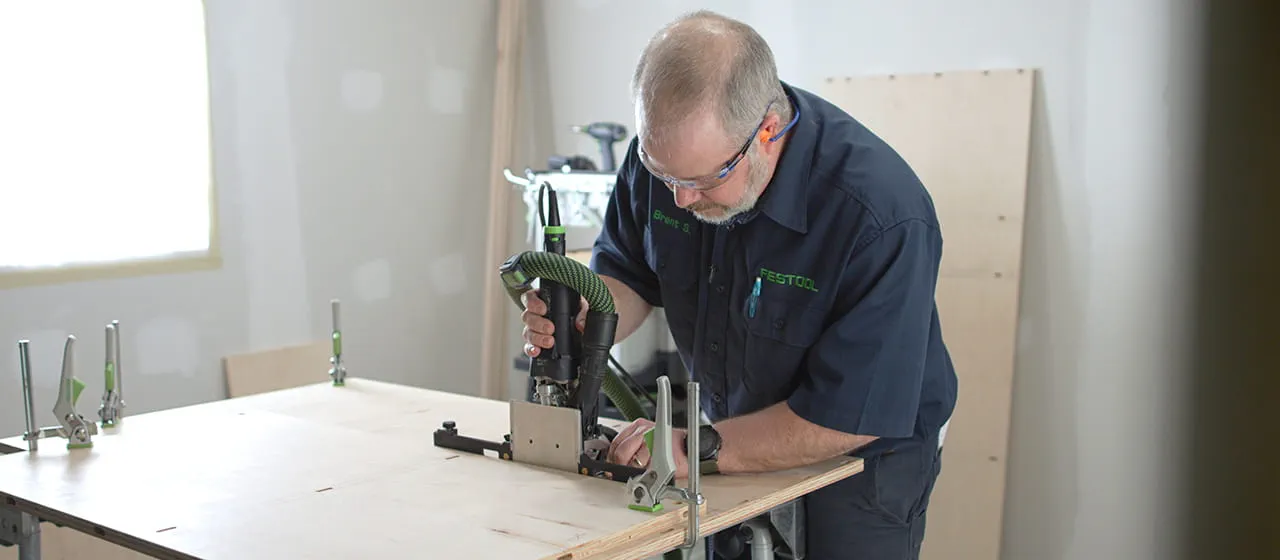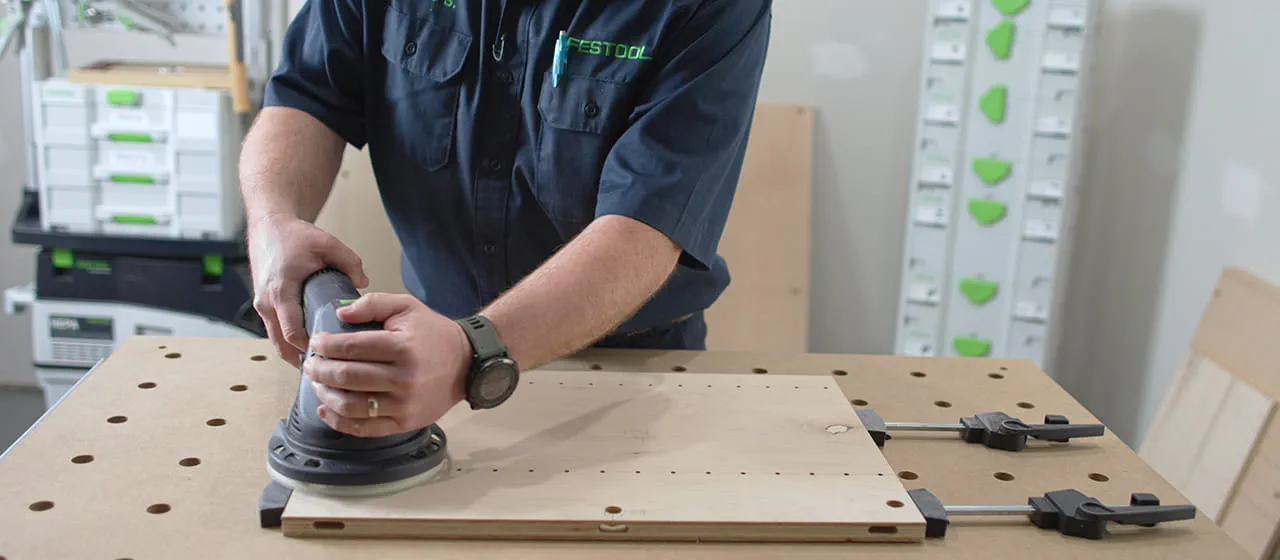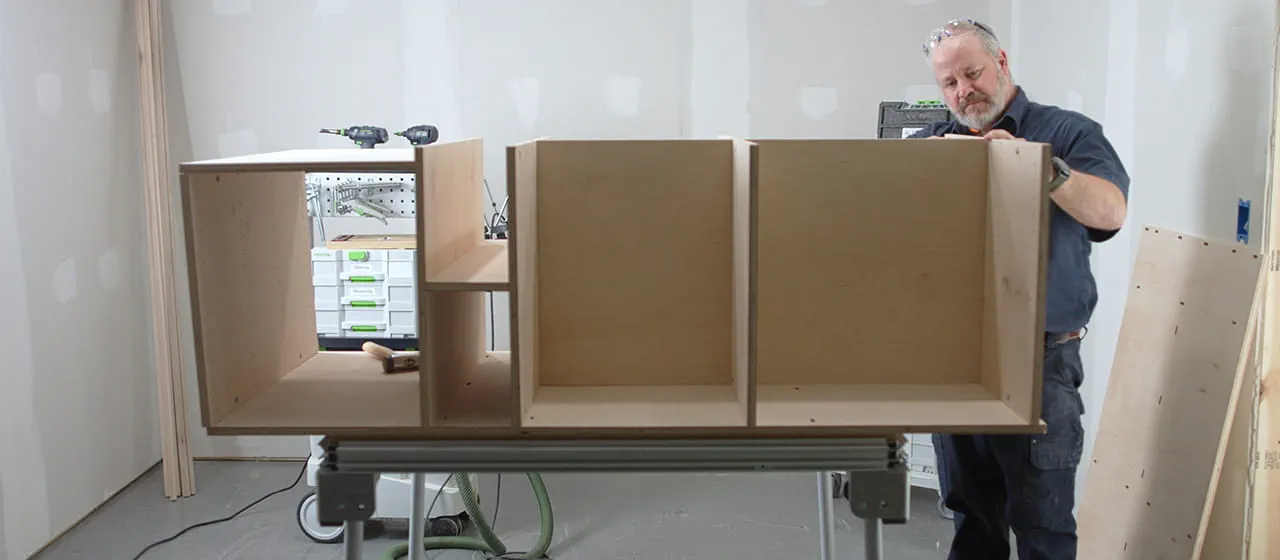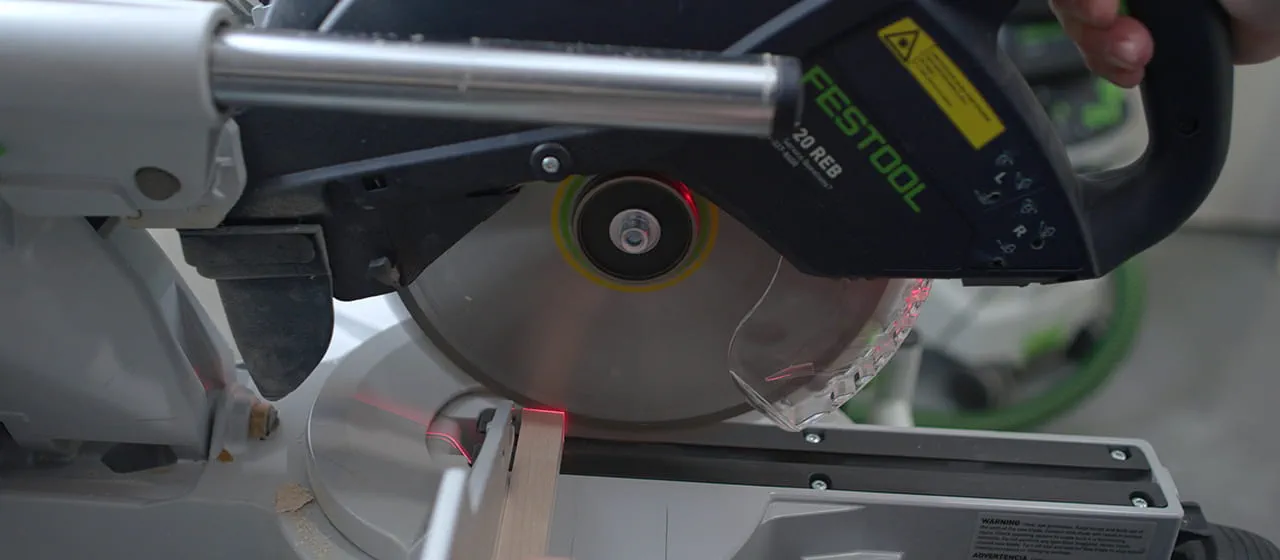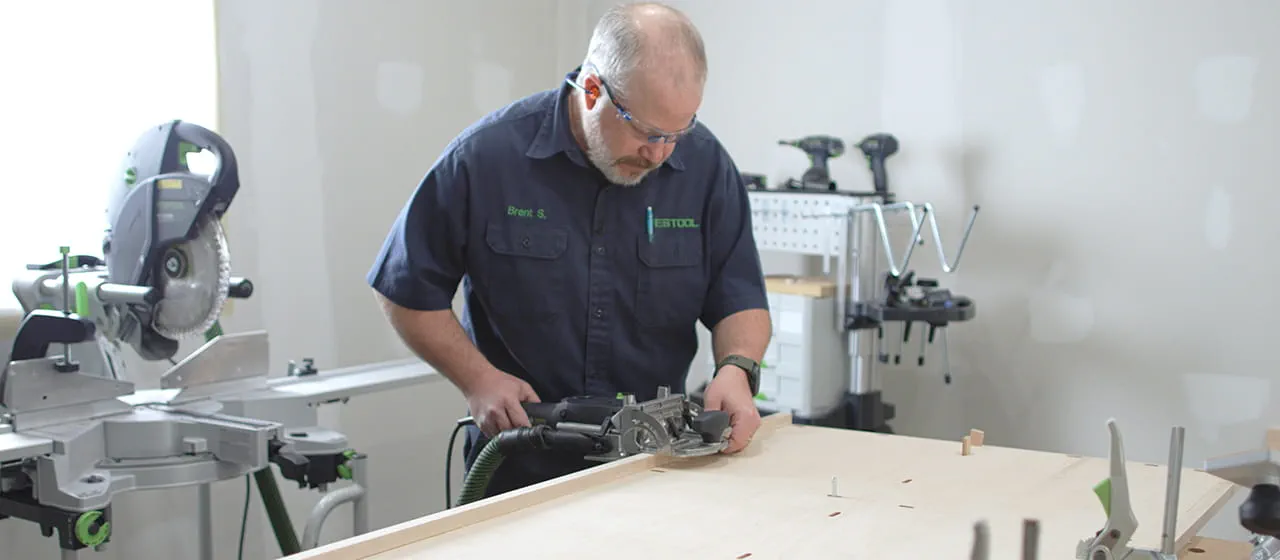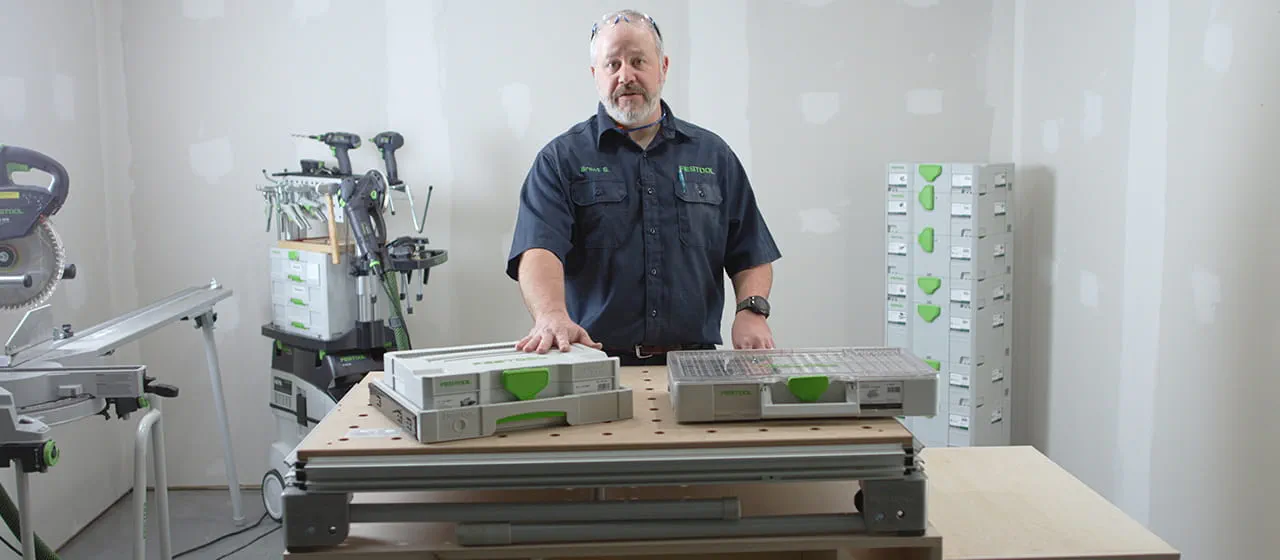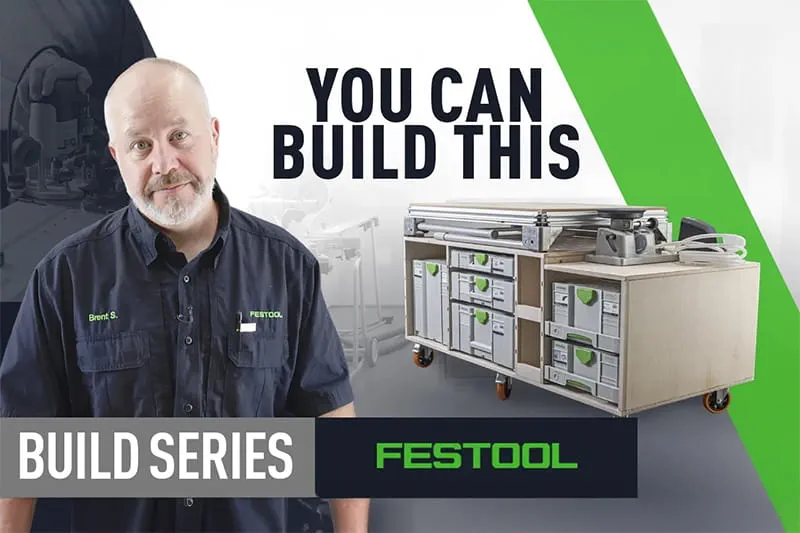


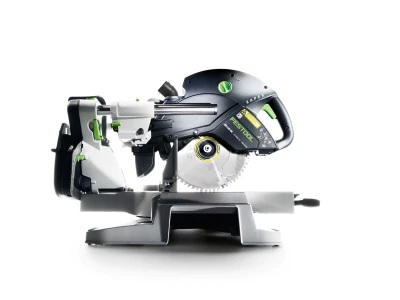





Brent using a Miter Saw

The Ultimate Workstation

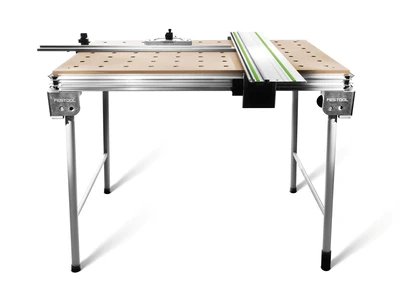
Build your own Mobile MFT Cart

Do you find yourself constantly searching for tools or running out of space in your compact workshop? Imagine having a workstation that lets you cut, sand, and assemble all in one convenient spot, with everything you need right at your fingertips. Building your own mobile MFT cart is the perfect solution to organize your tools and maximize efficiency. This step-by-step guide will show you how to create a cart that's not only functional but also tailored to your small shop's needs. Let's get started on upgrading your workspace!

Skill Level: This project is best suited for those with an intermediate level of woodworking experience. Comfort and familiarity with power tools and woodworking techniques are essential.

Materials Needed:
For this particular build, Brent opted for birch plywood because of its smooth finish and durability, making it ideal for the cabinet body. The rails, stiles, were crafted from maple, also chosen for its durability, though materials may vary depending on your specific application.

Watch this step-by-step video.

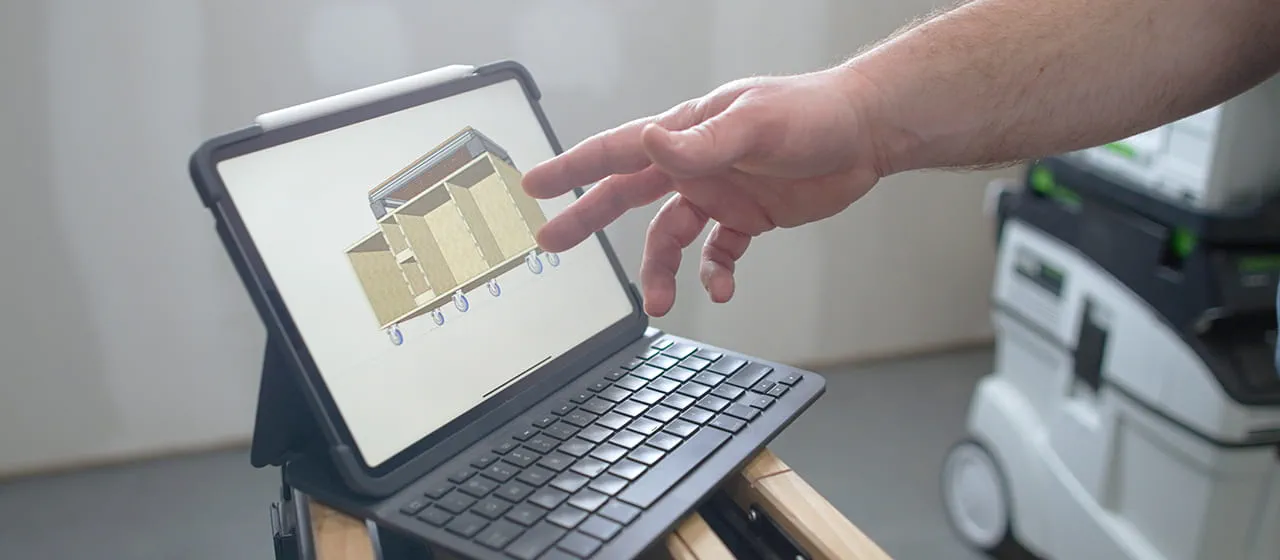
To download project plans, create an account or log into MyFestool.

Tips and Tricks to Consider:

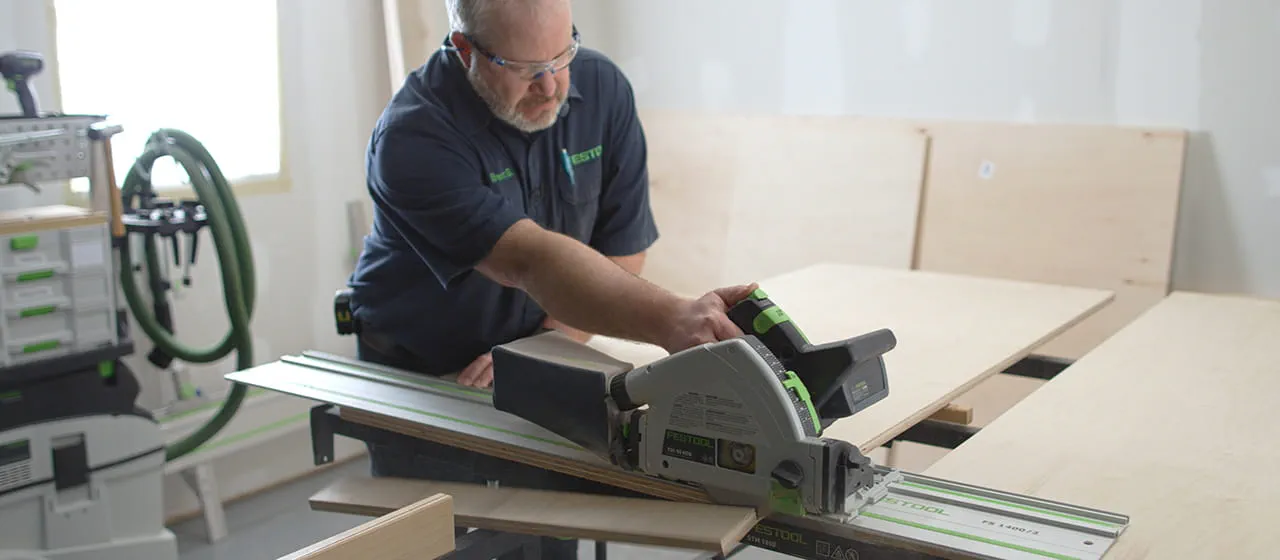
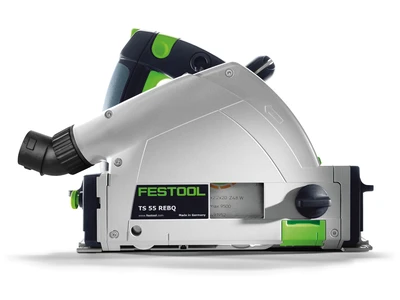
  1. To make a clean cut on both pieces of material when using a punge cut saw, use the outside splinter guard.

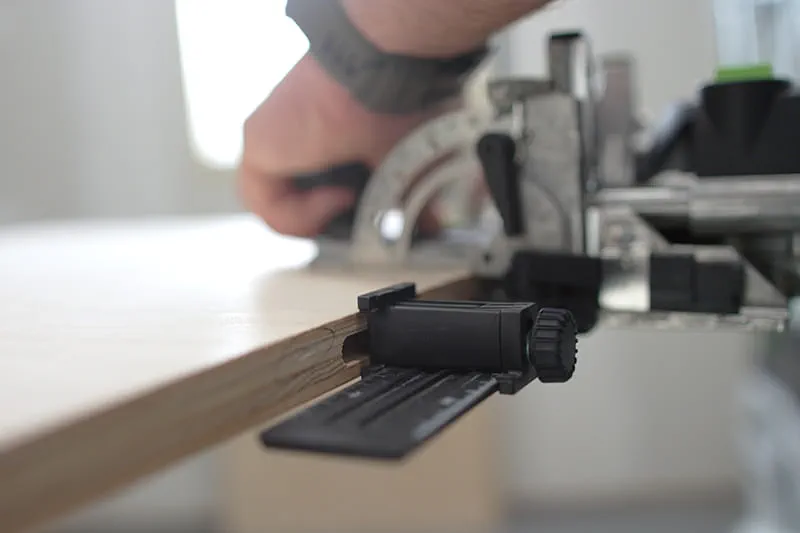
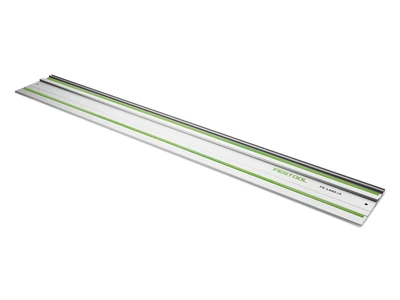
  2. FS parallel guides are excellent for long rip cuts and can be used to repetitive cross cuts with a shorter rail.

  3. Use a backer of the same thickness to support the guide rail when ripping material narrower than the FS parallel guides.

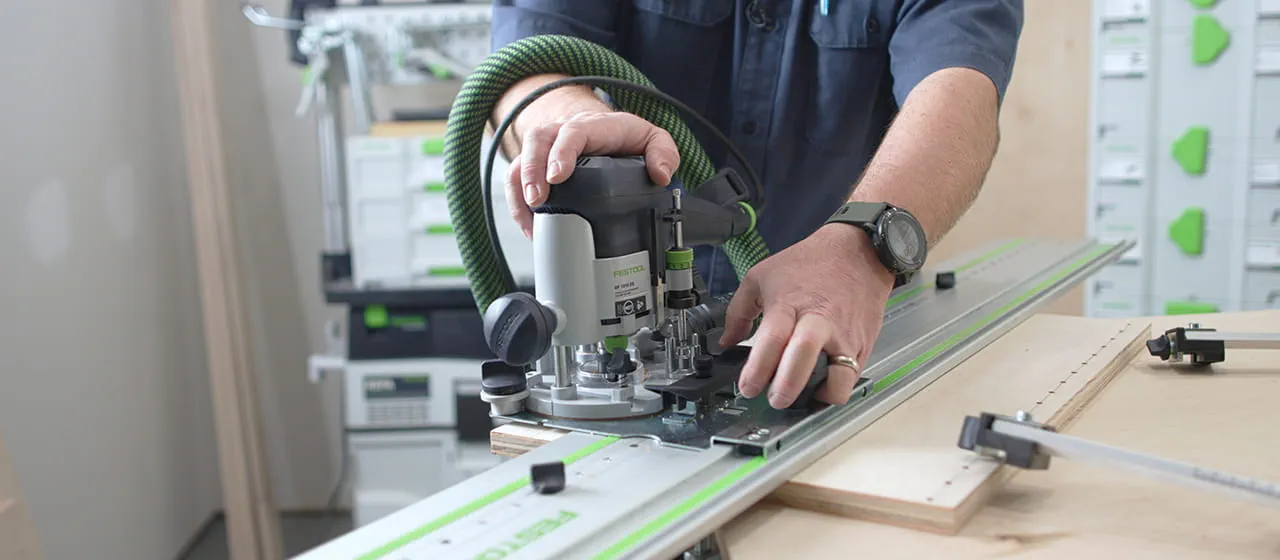
  4. Utilize the centerline of the router bit, which is present on all sides of the base of our routers, to accurately align the bit for precise dado locations.

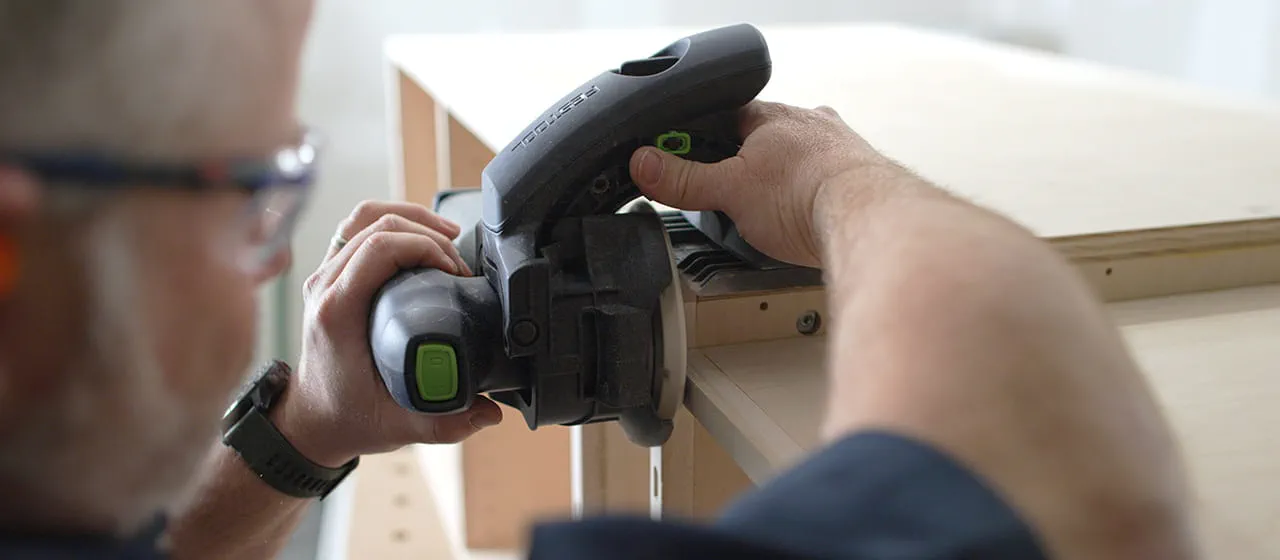
  5. Use the DF 500's adjustable width setting to make the assembly process easier. Set only one mortise to the tight setting and all others to the second loose setting. This will allow the first mortise to be your alignment mortise and give room to all of the other mortises for an easier assembly.

  6. ALWAYS ensure the DF 500 is running when you change the mortise width setting.
DOMINO Tips and Tricks

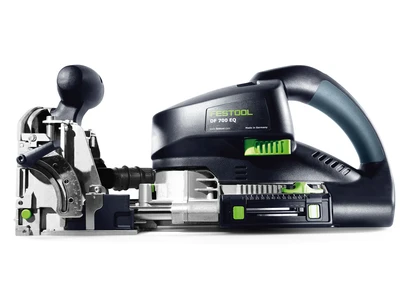
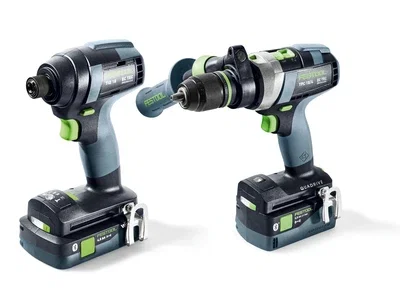
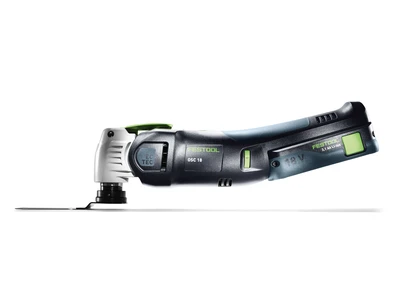
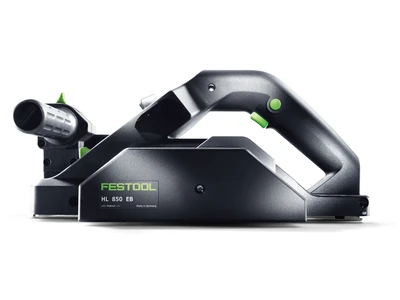
Tools used in this project

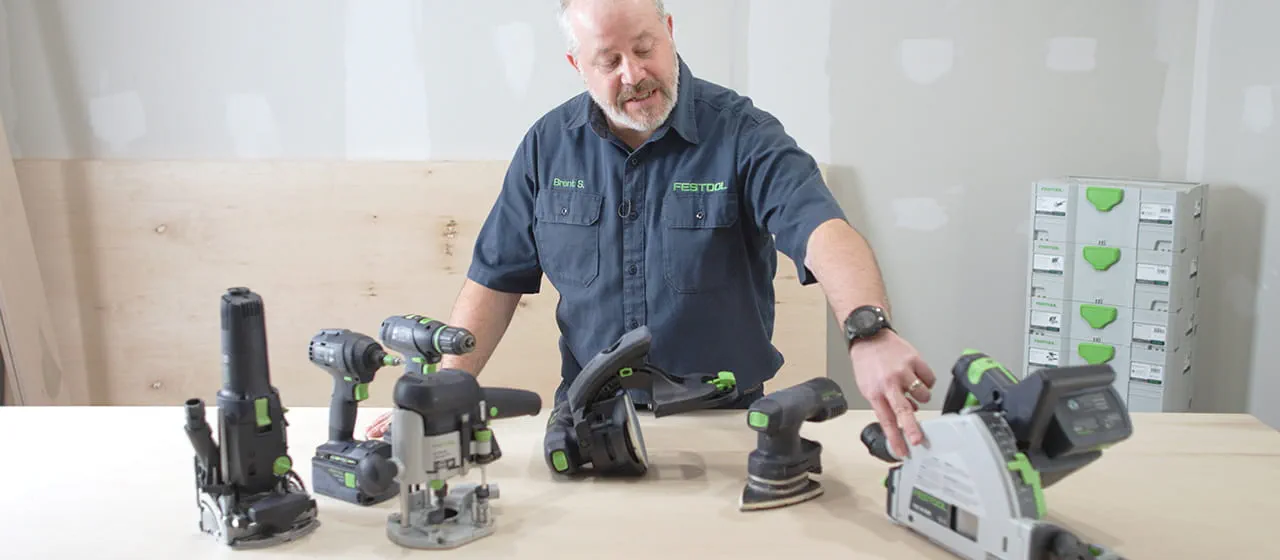
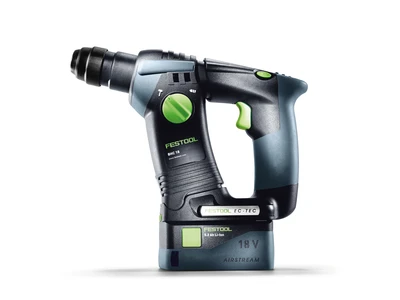
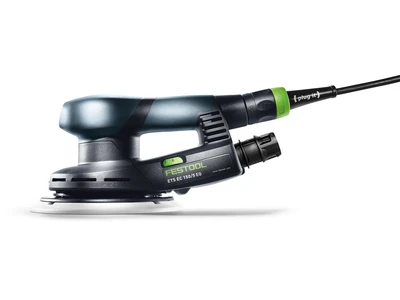
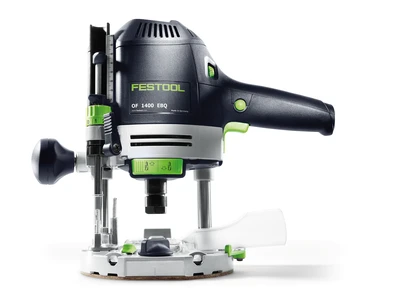
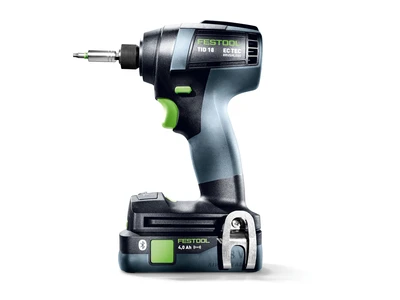
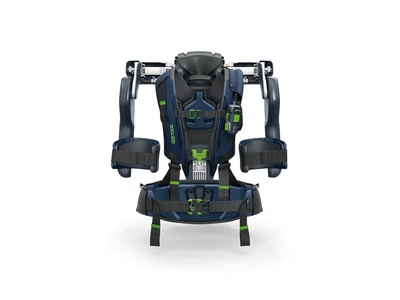
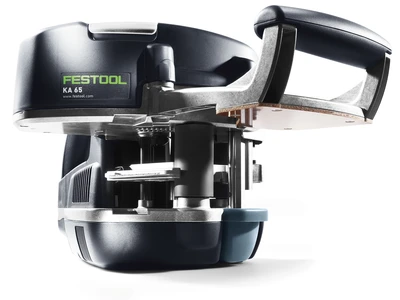
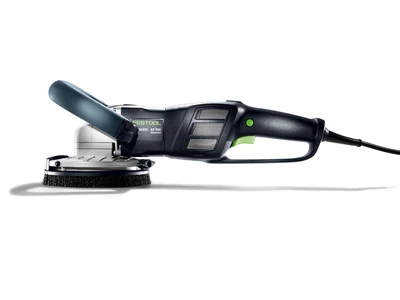
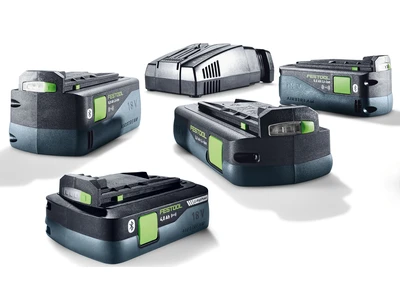
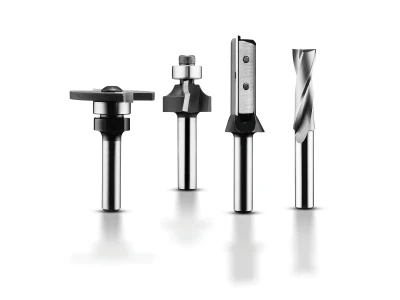
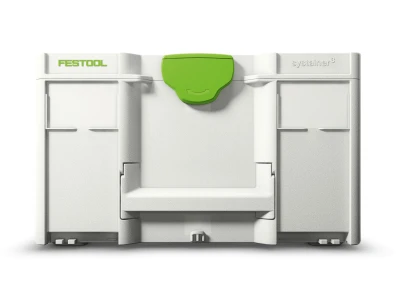
To bring this project to life, Brent used various Festool products along with some additional hand tools.

fcp_tooltip_success_message

Add all products to wish list

fcp_tooltip_success_message

Add all products to wish list